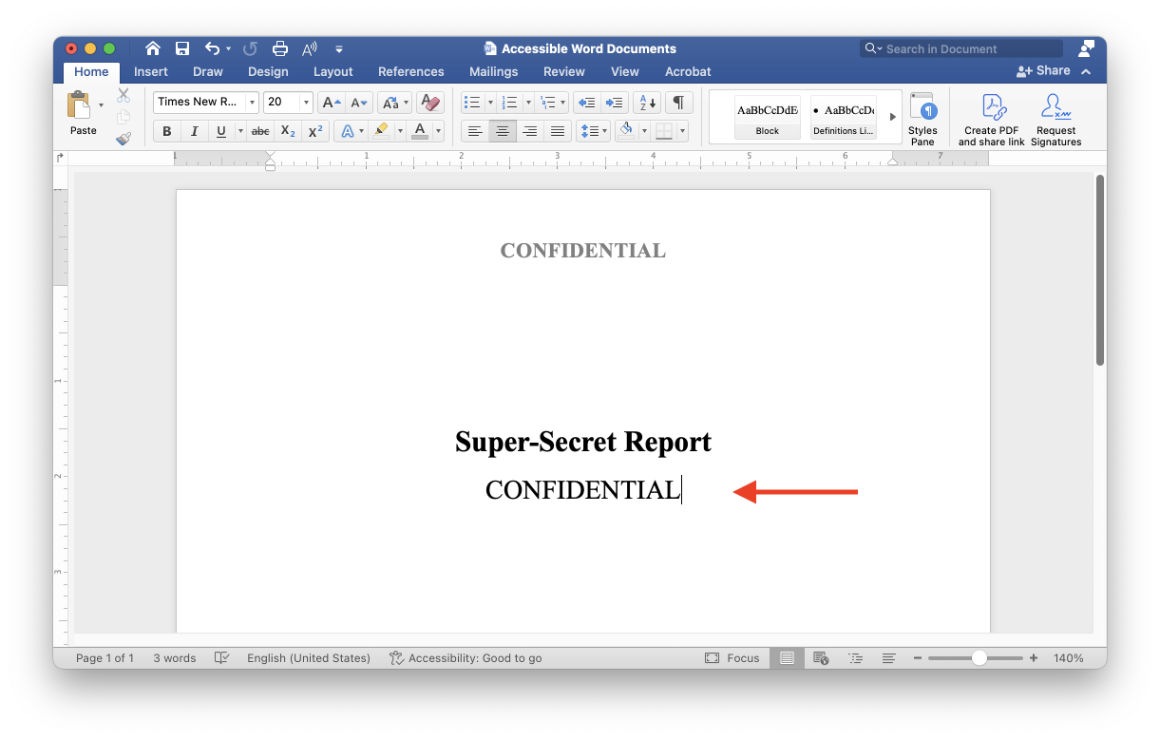
In Microsoft Word, it is possible for screen readers to announce content in your page’s header or footer. However, users will have to go out of their way to check for this information and are likely to miss it. Additionally, if you save your Word document as a PDF file, the page headers and footers will be completely hidden from screen reader users.
For these reasons, if you have any important information in your page headers or footers, make sure you duplicate this information somewhere in the main body of the document.
For example, if you use the header to mark your document as confidential, make sure you explain that your document is confidential on page 1 (outside the header).