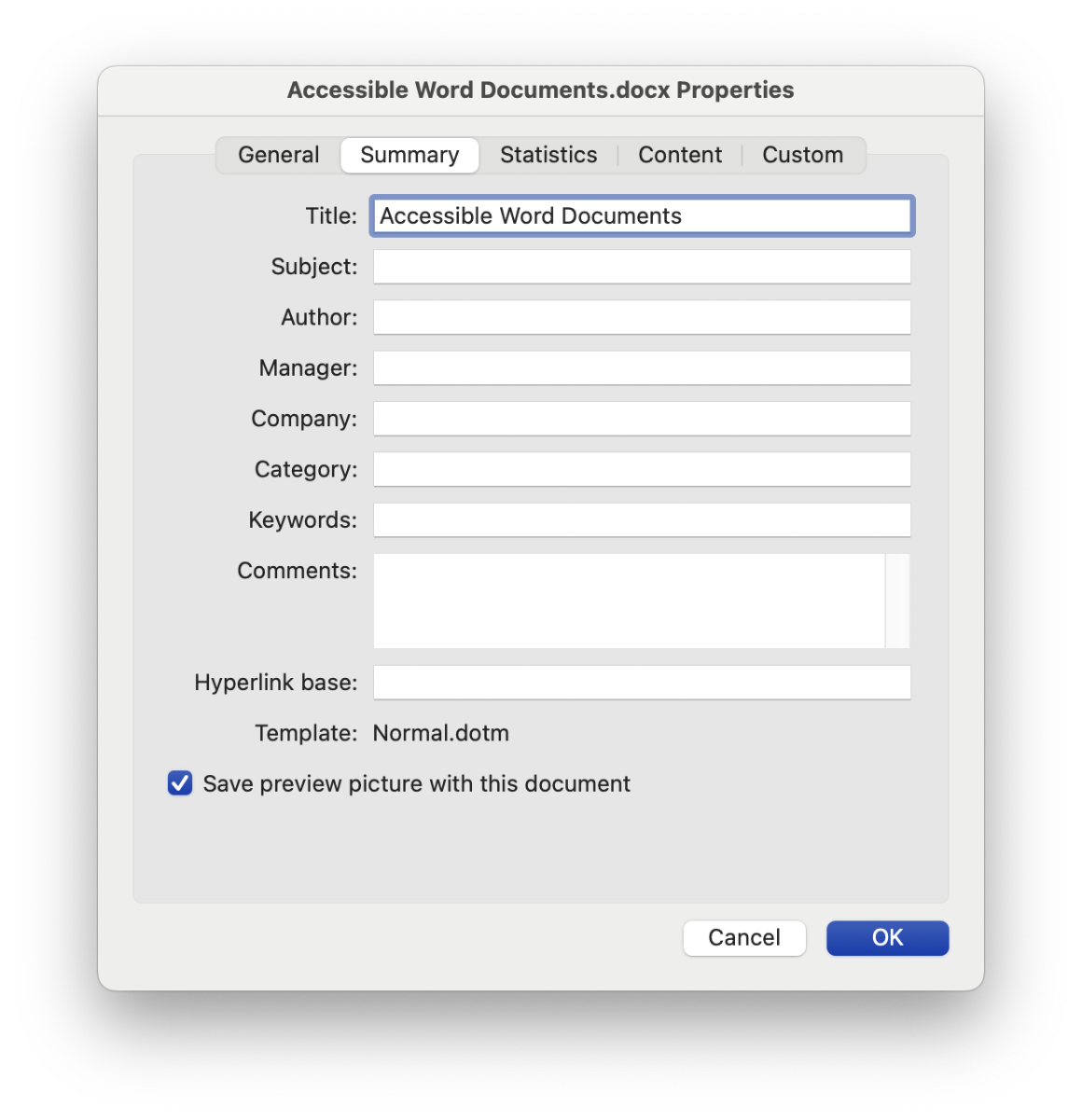
In addition to the filename and any headings in your document, Word documents also have a formal document title saved as part of their metadata. Screen readers may announce this title when opening a document, and it may appear in other places as well. Before you share a document with others, be sure to set the document title.
On Windows, follow these steps:
- Select “File” in the top menu.
- Select “Info.”
- Select “Properties” and then “Advanced Properties.”
- Select the “Summary” tab.
- Enter a value for “Title.”
On Mac, follow these steps:
- Select “File” in the top menu.
- Select “Properties.”
- Select the “Summary” tab.
- Enter a value for “Title.”